How to make pupil feedback useful in a gallery walk
Show Year 7 pupils how to give specific feedback on a classmate’s artwork and try a suggestion on their own.
On this page4 sections
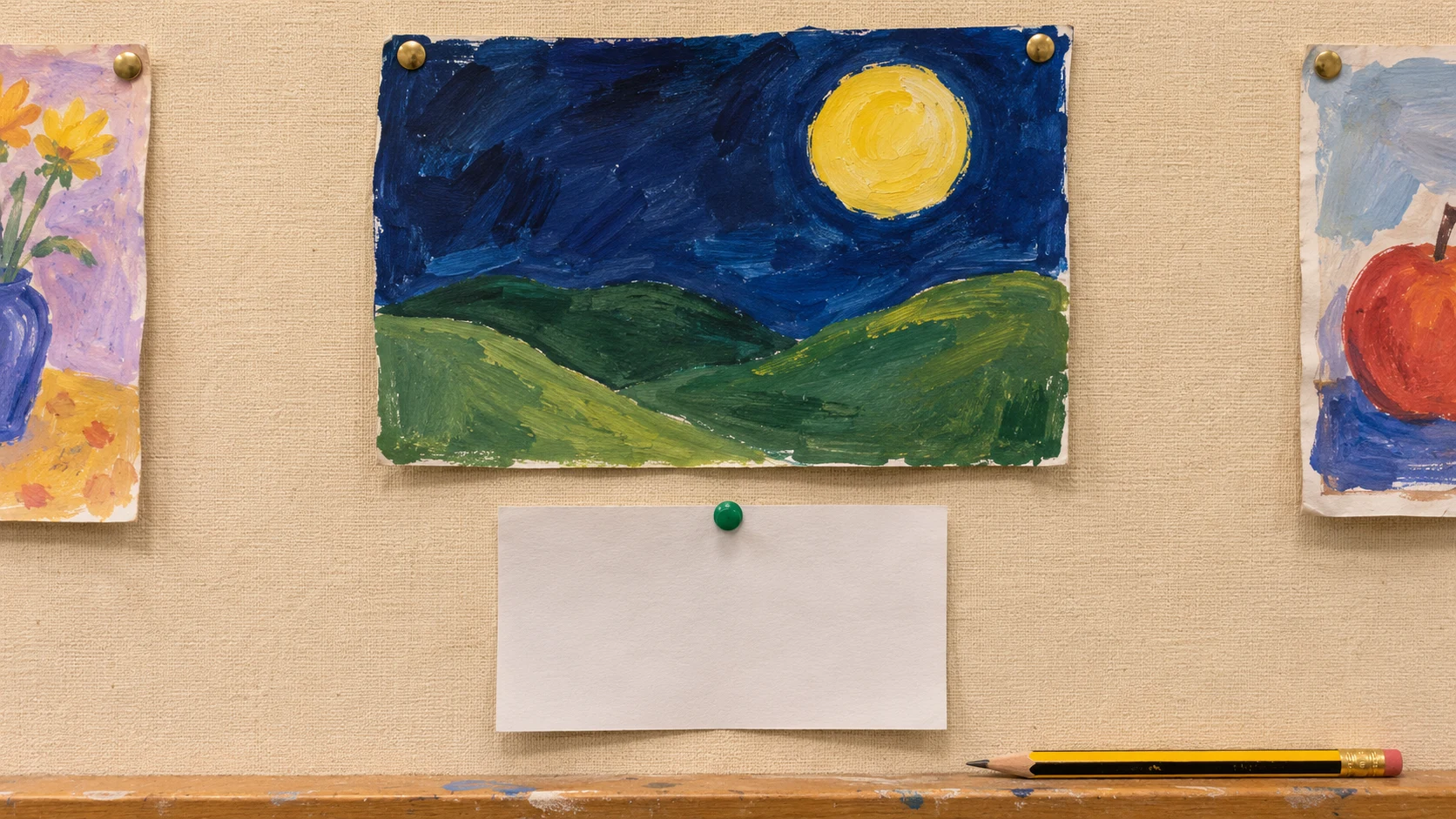
When a pupil says ‘I like it’, ask, ‘Show me the bit you like.’ In the worksheet’s moonlit picture, they might point straight to the moon. Look again together. The tiny houses below make the moon look even bigger.
Use the gallery walk in Year 7 Art and Design to practise looking closely at a classmate’s work and using feedback to decide what to change in your own. Department for Education, key stage 3 Art and Design programme.
Use the gallery feedback worksheet
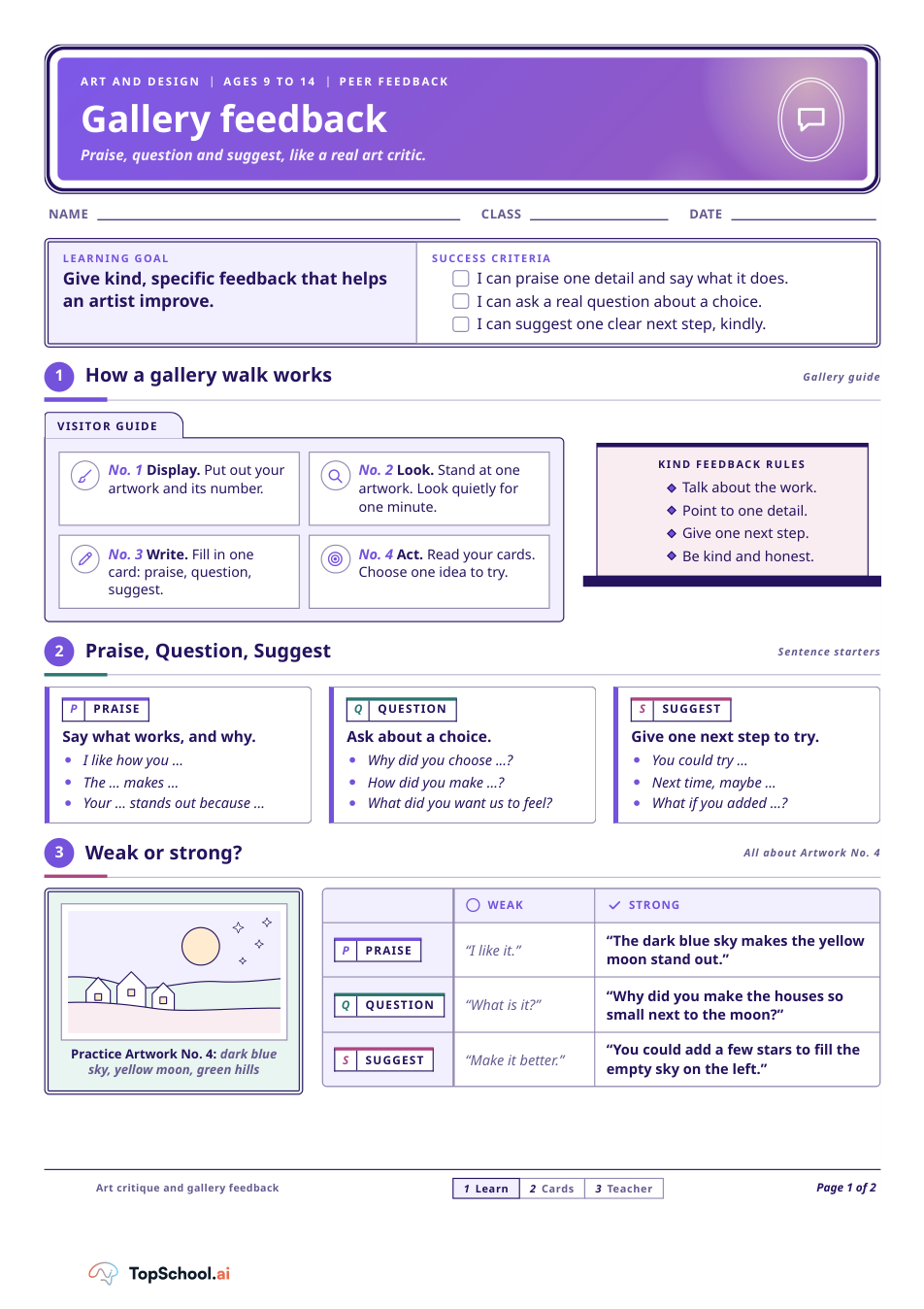
Put Practice Artwork No. 4 from page 1 on the board. Leave the sentence starters visible and cut out the cards on page 2. TopSchool Library gallery feedback pack.
Practice artwork and examples
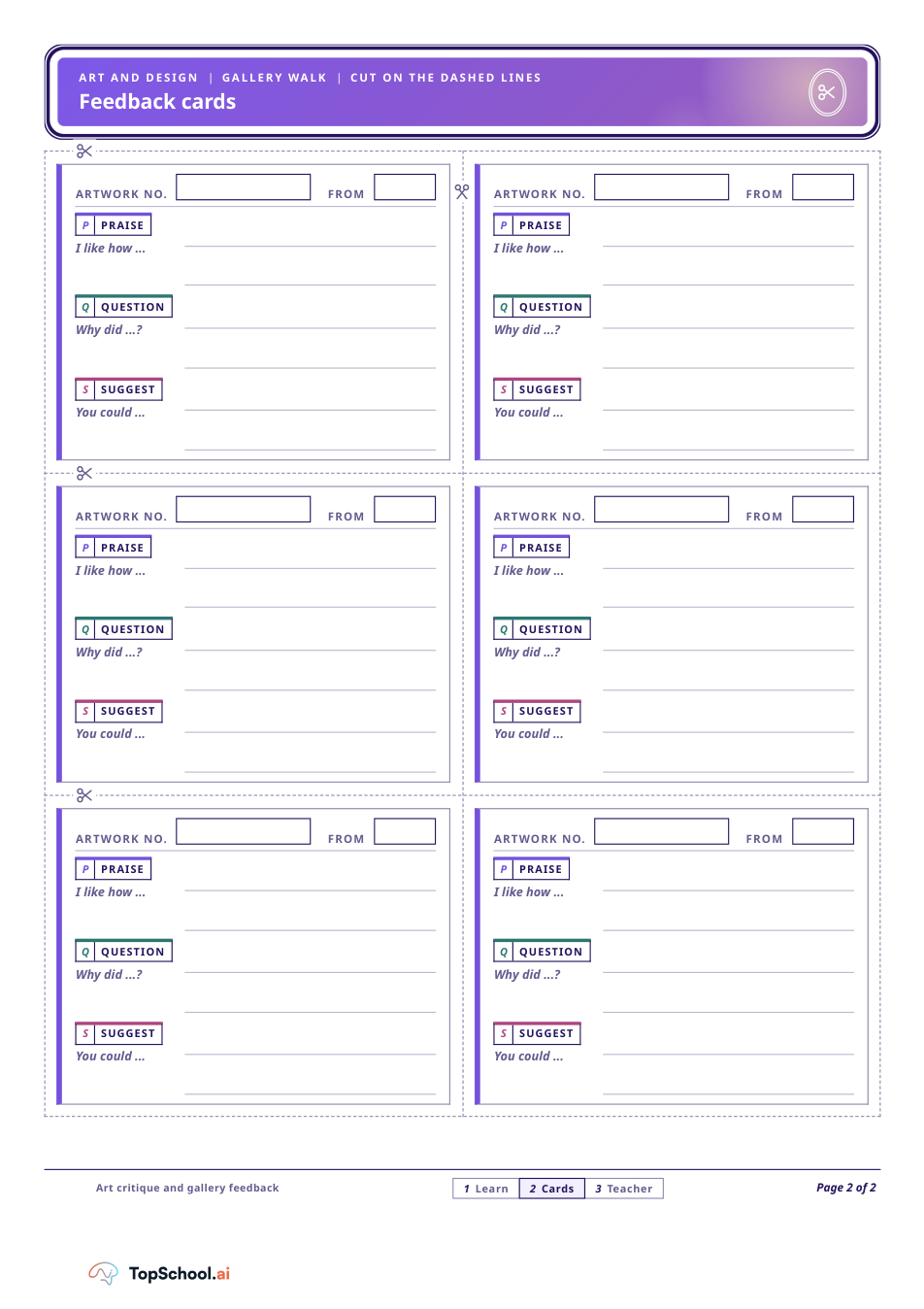
Write one card together
Fill in a card together beside the picture. One detail can give you all three comments.
- Praise. ‘The moon looks so big beside the houses that I see it first.’
- Question. ‘Did you want us to notice the moon before the houses?’
- Suggest. ‘Try two small stars in the empty sky on the left.’
Have pupils point to where the stars would go. If they notice a different detail, write the card about that.
Give each visitor one picture
Put out work pupils still have time to change.
Number the pieces and send each pupil to the number after their own, with the last pupil going to number one. Give visitors a quiet minute to look. Before writing, they can tell a partner what caught their eye and see if the partner can find it.
If you hear ‘add more detail’, ask, ‘Where would you put it?’ Once the pupil points to a spot, ask what they’d add. Pupils who get stuck can rehearse a comment aloud before writing it.
Try one idea back at the table
When the cards come back, have each artist choose one suggestion that fits what they want people to see. Return to the moonlit picture and imagine the artist wants the moon to catch the eye first. Draw two stars on tracing paper and lay it over the left side of the sky. Lift the paper and ask where pupils looked first in each version.
If the stars catch the eye first, try a smaller pair and look again. Back at their tables, pupils can test a change on tracing paper or in a sketch. Have them put the trial next to the original and tell you what they’d keep and why.