Share the teaching resource, leave pupil information out
Give a colleague the task and the context to use it. Keep pupil work and personal notes in your school's agreed system.

On this page3 sections
Start with a blank copy
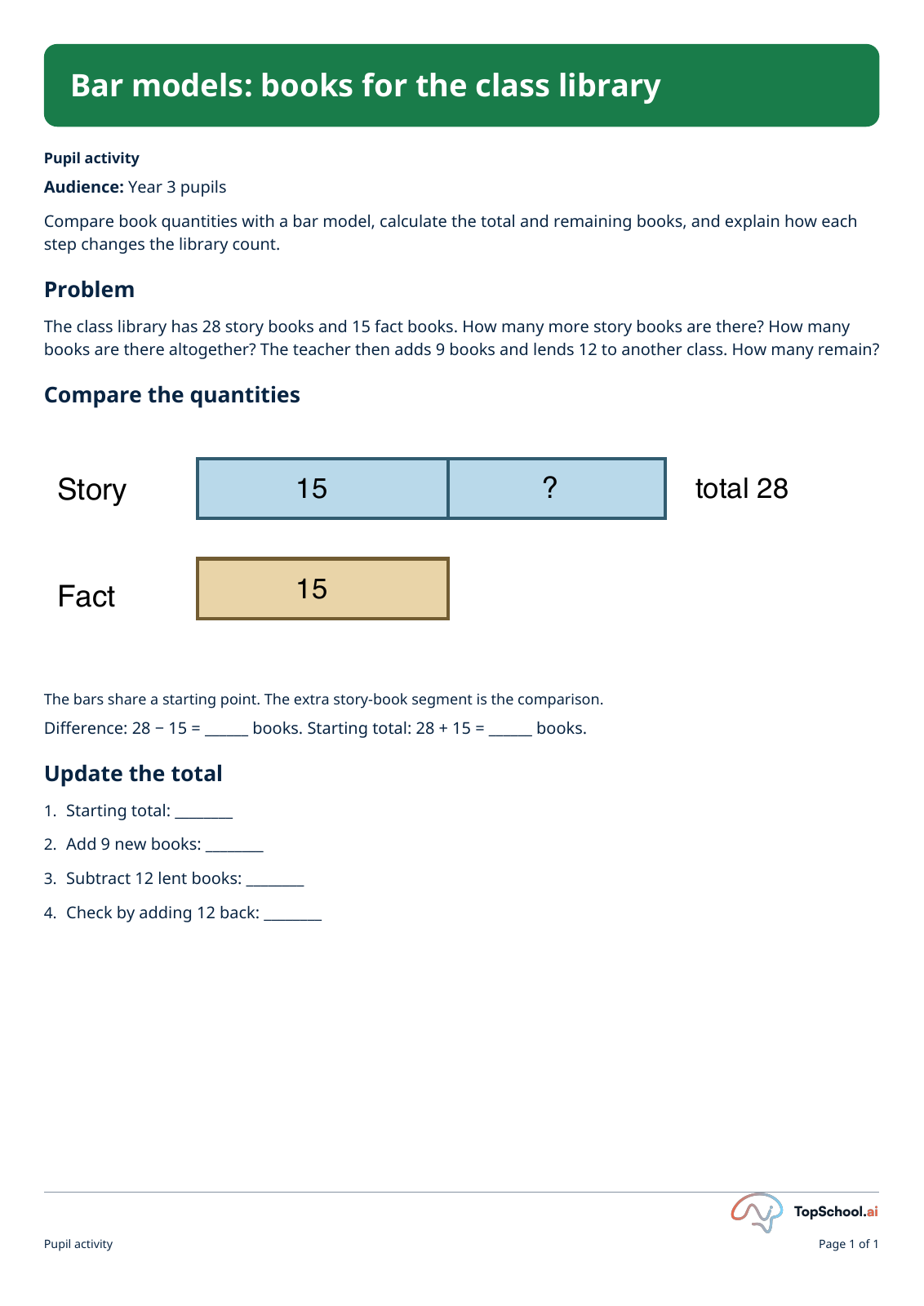
If a colleague wants to try this bar-model task, share the blank sheet and teacher key. Add a brief note about reading the comparison diagram and explaining changes to a total, so they can plan the support their class needs.
Taking a pupil’s name off a completed sheet may still leave clues to who they are. The ICO’s anonymisation guidance explains why the other details matter too.
Check the copy you will send
Work on a copy so you keep the original. Read every page, including headers, footers and teacher guidance, and make sure the sheet and key are from the same edition.
Check comments, tracked changes, embedded files, the filename and document properties too. The ICO’s document-sharing guidance explains these risks; Microsoft’s Document Inspector guide covers the Office checks and their limits.
Do not rely on a shape over the text or a PDF export alone to remove information. Reopen the outgoing copy after editing, check the questions and answer spaces, and review reading order, selectable text and diagram descriptions. Offer another format if your colleague needs one.
Check access and add a note
Use your school’s approved sharing route. Check who can open or edit the link, and whether it also exposes the original folder or document history. Keep the creator’s credit and confirm you can share with that audience. If you are unsure whether you can pass on the file, send the original Library link.
If you share an AI prompt with a colleague, include only the general teaching instructions. Check attachments and screenshots separately. Leave out any that show pupil work, pupil names, account details or material unrelated to the task.
Include the resource’s title and version. Tell your colleague which parts you checked, such as the questions or teacher key, and whether AI helped create or adapt the material.
If you are unsure whether the material can be shared, ask the relevant school lead before sending it.
Before entering pupil information into an AI tool, check the student-data guidance and your school’s policy. In England, DfE guidance recommends asking your data protection officer or IT lead what is acceptable.